
Backup · Microsoft 365 · Disaster recovery
Backups you can actually restore.
Automated, encrypted backups on-premises or in the cloud, restores we test on a schedule, and a written disaster recovery plan that says exactly how we get you running again after ransomware, hardware failure, human error, fire or flood.
- Encryptedautomated backups, on-premises or in the cloud
- Testedrestores checked on a schedule, not assumed
- 7 yearsoff-site disaster recovery we run for WDL Concrete
- Monitoredevery backup job checked, with failures followed up
What we protect
Servers, laptops and the cloud.
- Servers and file shares, backed up automatically and copied off-site.
- Microsoft 365 email, OneDrive, SharePoint and Teams, which Microsoft does not back up for you in the way most people assume.
- Continuous data protection for systems that cannot stop, so you lose minutes of work rather than a day.
- Long-term retention where your sector or contracts need it.
Ransomware
A backup an attacker cannot reach.
Ransomware now looks for backups and tries to delete or encrypt them first. We keep copies off-site and separate from your everyday network, encrypt them, and watch for the warning signs through endpoint detection and our 24/7 SOC.
Backups are also one of the controls insurers and Cyber Essentials assessors ask about. We can show them when each backup last ran and when a restore was last tested.
Disaster recovery
A plan written down before you need it.
A disaster recovery plan sets out what gets restored first, where it runs, who does what and how long it should take. We write it with you, keep it up to date as your systems change, and test it.
At WDL Concrete in Aberdare we run seven-year off-site disaster recovery alongside their IT, networking and CCTV. At Ledwood disaster recovery sits alongside two domain controllers, EDR and a 24/7 SOC across 200+ devices.
How it works
From review to a tested recovery.
- 01
Review
We list what you have, what is backed up today and what is not.
- 02
Protect
Automated, encrypted backups set up, with copies kept off-site.
- 03
Test
Restores tested on a schedule, and the results recorded.
- 04
Plan
A written disaster recovery plan, kept up to date with your systems.
Backup & disaster recovery questions
What people ask before switching.
How quickly can we recover if we lose data?
Does Microsoft back up Microsoft 365?
Will backups protect us from ransomware?
How often do you test restores?
Can you take over backups from our current provider?
Case studies
Disaster recovery we run today.
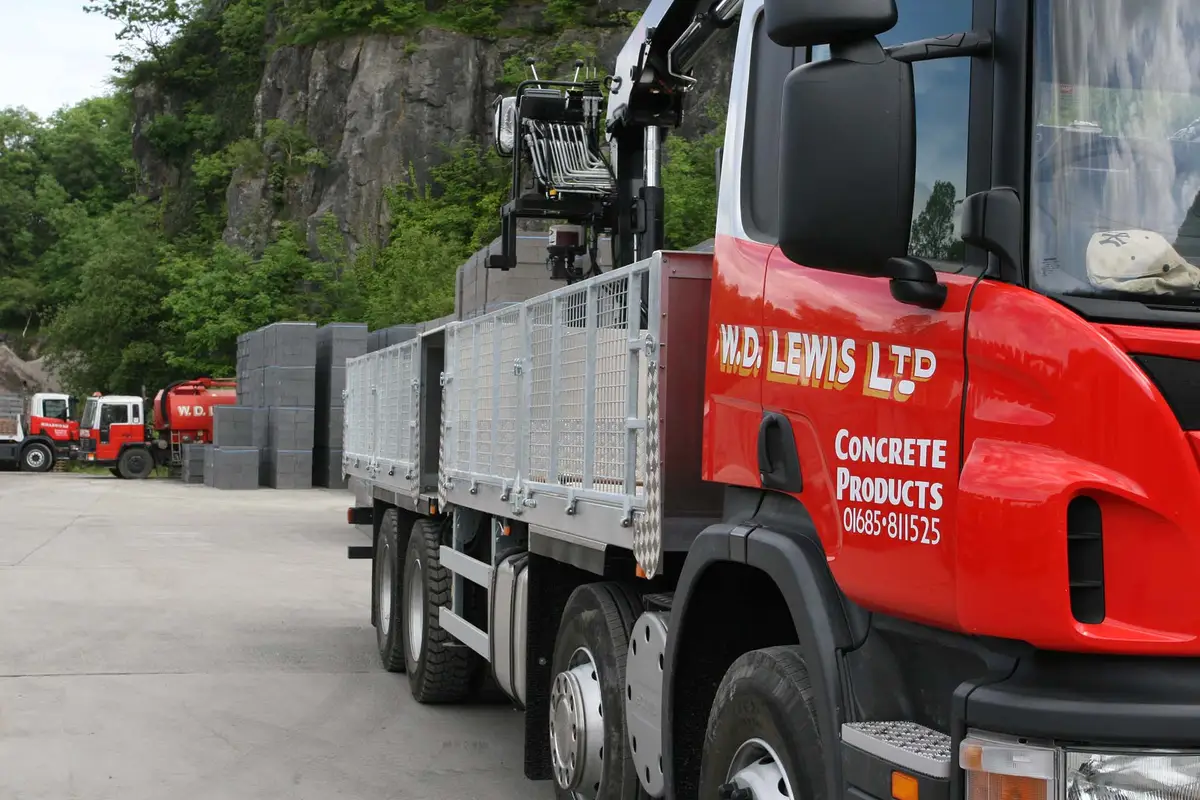
IT Support · Aberdare · since 2008
Eighteen years of IT, CCTV and web
30+ Axis cameras, fibre between buildings, VLANs and Juniper networking, seven-year off-site disaster recovery and websites.
WDL ConcreteRead case study

Cyber Security · Pembrokeshire · since 2023
Managed IT and SOC for 200+ devices
Two domain controllers, disaster recovery, SOC and EDR across 200+ workstations and servers, with Cyber Essentials achieved.
LedwoodRead case study
Free backup review
Find out if your backups would actually restore.
Send us your current IT, security, phone and CCTV costs. Within two working days a senior engineer sends back a written comparison showing where you are overpaying and what we would change. No obligation, no sales script.
- Reply within one working day
- Fixed prices, in writing
- A senior engineer, not a salesperson